
Web Design and Development
Choosing a Website CMS: Test the Editorial Tasks That Matter
Choose a website CMS through real editorial work. Test drafts, previews, media, translations, approvals and recovery with the team that will publish content.
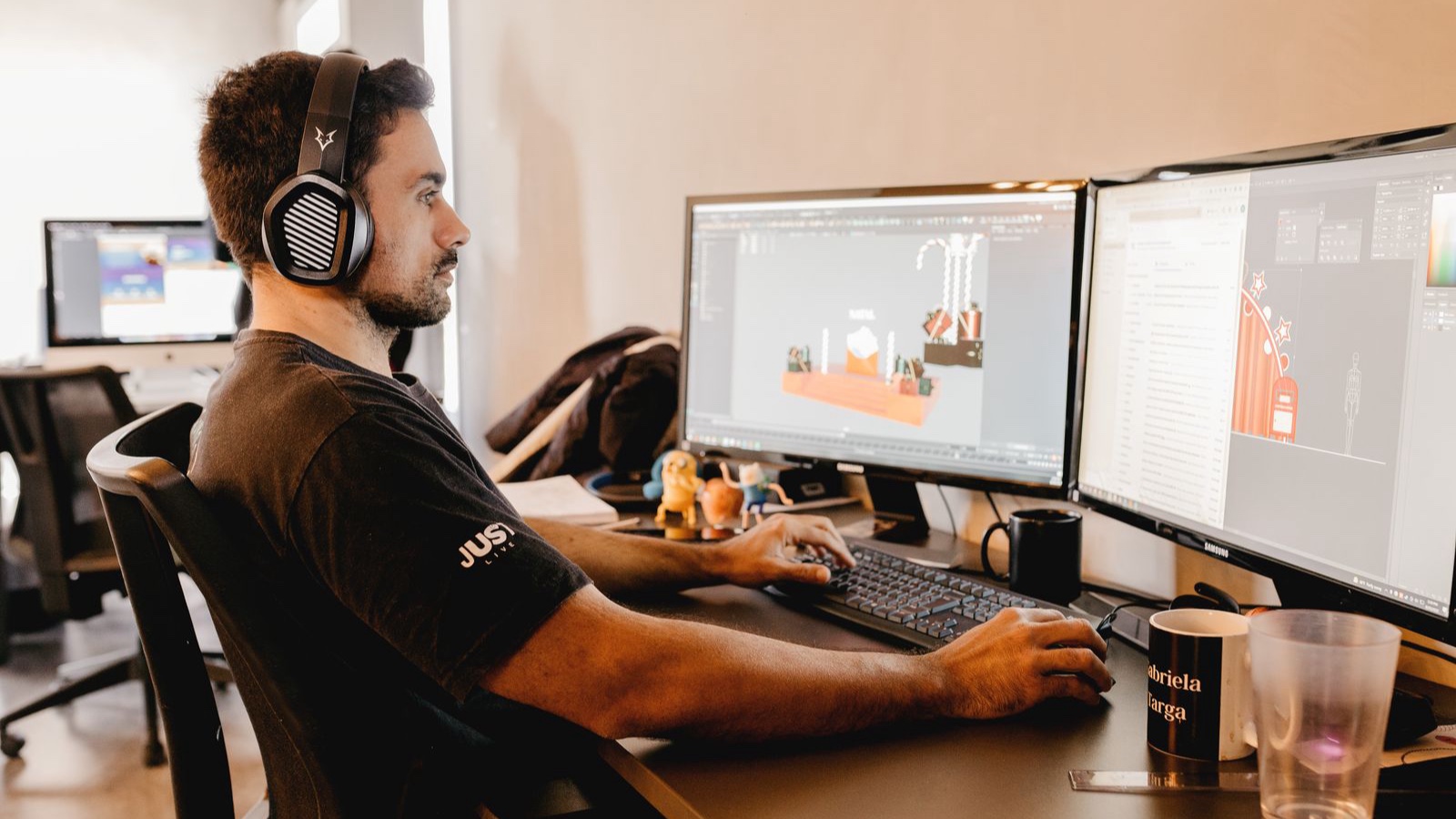
The new website has an article editor. An editor can save a title and text, but cannot see the cover crop in its listing card, find the English counterpart or undo an accidental publication. Content is technically editable, yet routine updates still require messages to developers. This is where the practical test of a manageable website begins.
A content management system is more than a set of text fields. It needs to support how the organisation prepares, reviews, publishes and revises information. This guide evaluates candidates through actual editorial tasks. The example workflow belongs to a hypothetical service website; adapt the review to your own roles and approval needs rather than assuming every organisation needs the same process.
Establish who performs each task
The content editor, service specialist, translator and technical administrator may have different responsibilities. One person can prepare a draft while another checks scope and accuracy. Publication may belong to a designated owner. Writing this arrangement down helps reveal whether a polished interface actually supports the organisation.
A small team can combine roles, but distinguishing the tasks still helps when responsibilities change. Someone correcting a paragraph should not automatically need access to every site setting. Conversely, permissions that prevent ordinary editing may need adjustment. Try the relevant accounts during the demonstration instead of relying exclusively on a list of available role names.
Prepare a realistic content package
A short sample paragraph conceals many problems. Bring an article with a longer heading, sections, a list, internal links, a photograph and a real interface screenshot. Add a second language version and an alternative cover crop. Each candidate can then be assessed with comparable material rather than the supplier’s easiest example.
The material can include deliberate gaps. Observe what happens with missing image descriptions, an unsuitable summary length or no selected category. The system need not fix everything automatically, but editors should understand the issue and inspect the result. Representative content reveals training and development needs before the complete publishing operation depends on the chosen interface.
Create and revisit a draft
Open a record, enter the title, organise sections and save. Leave the screen and return to see which information remains. If automatic saving exists, establish when it runs and how it relates to manual saving. Losing text that appeared to be stored quickly undermines trust. Feedback should explain the actual state of the work.
Check whether meaningful text structure survives
Headings, paragraphs, lists and links should remain useful content structures, not merely visual effects. An editor forced to enlarge ordinary text instead of selecting a heading can create an inconsistent document. Try pasted material with unwanted formatting as well. Examine both the editing behaviour and the resulting public page to understand what the interface actually produces.
Compare preview with the published experience
Preview needs enough accuracy to support a decision. If the panel shows a balanced card while the listing cuts its title, the preview may not meet the editorial expectation. Article detail, listing images and sharing information are different uses. The relationship between the chosen image and each destination should be understandable rather than implied by one generic upload field.
Try phone layouts and translated headings. Establish whether preview shows the latest saved draft or the current public version. Reviewing the wrong state makes approval unreliable. During manageable website development, verify previews against genuine content and the actual templates. Record important differences before handover instead of leaving editors to discover them through accidental live updates.
Manage image usage, not just uploaded files
Uploading may be straightforward while choosing correctly remains difficult. Existing usage, alternative descriptions, crop behaviour and derivatives can all matter. Find out whether replacing one file changes every location that uses it. An editor intending to refresh one cover could otherwise alter unrelated articles.
Names and thumbnails help, but a large library of similar assets may require better search and usage information. Try duplicate creation and replacement behaviour. Look for older derivatives remaining visible after an update. Media management concerns publishing continuity as well as storage. Editors should have a workable way to locate and inspect the right resource without requesting technical assistance for every selection.
Test links together with address changes
Can an editor locate the appropriate service when inserting a link? What happens to existing references when that page’s address changes? The system may handle part of this relationship automatically or require another process. Do not decide from assumption. Permission to insert a link and permission to change a public address may also belong to different roles.
Change a test page path and inspect navigation, article references and language relationships. Check how an appropriate redirect is defined where needed. Is an incorrectly entered destination visible before publication? These tasks show how the CMS manages relationships between records. A field being available does not establish that every operation performed through it has been handled safely. Inspect the visitor’s resulting journey as well.
Treat language versions as related independent records
The Turkish and English versions may need different titles, summaries and image descriptions, while their relationship should preserve the shared subject. What happens when a translation is not ready? Can the team identify when an updated original requires another language review? These are normal maintenance questions, not only launch tasks.
Even where translation tools assist production, review and publication ownership need definition. Test accidental replacement of one language by another and conflicting addresses. Translation status may be visible in the system or require an external workflow. Both arrangements involve effort. Decide explicitly which work belongs in the CMS and which is handled through organisation rather than discovering that responsibility after the site grows.
Test scheduling through the actual outcome
Selecting a date does not prove scheduled publication runs correctly. In a suitable environment, choose a near-term time and observe the result. The technical team can explain the time zone and triggering mechanism. Consider who notices a scheduled item that does not appear as expected.
Approval also needs a distinction between draft and public content. Does editing a live service immediately change it, or can a revised version wait for review? Not every business needs a sophisticated approval system. Where it is necessary, inspect its functioning rather than relying on role labels or a scheduling feature claim. Use another account and an ordinary visitor view to verify the outcome.
Try restoring an earlier version
The team should know how to recover after an incorrect paragraph or image is published. If version history exists, check what it retains. A system preserving text but not media associations may behave differently from the expected restoration. Make a change on a test record, revert it and inspect the resulting page.
Ask what happens when two editors open the same content. Silent overwriting may require a working rule or another control. Evaluate locking or conflict warnings where provided. Backups are another layer: reverting an article and restoring the whole website are different operations. Knowing which method addresses which mistake is part of practical manageability, not an optional technical detail reserved for emergencies.
Review search fields through their actual output
Title and description inputs do not independently establish publication quality. Confirm that saved information appears correctly in the generated page, that the address is suitable and that links work. The panel’s stored value can differ from the delivered output if templates or publication steps are wrong. Implementation needs to carry the editor’s information to the intended location.
Google’s JavaScript and search guidance discusses crawling, rendering and the importance of accessible generated content. Where the management and presentation layers are separate, inspect the complete publication chain. Saving a draft, completing deployment and delivering the new page can be different stages. Establish who observes each one. Evaluate the working result rather than treating an architectural label as evidence that publication is dependable.
Separate editorial work from technical maintenance
Routine writing should not necessarily require code or server access. Developers likewise should not need to rebuild the design for a small text change. Describe which tasks belong in the panel and which require development. Adding a new component and editing the content of an existing component are different scopes.
Maintenance, access management and post-update testing belong in selection too. A popular or recent product does not make these responsibilities disappear. Handover should clarify account ownership and installation information. Derive training from actual tasks. A short guide the team can use independently supports continuity alongside access to a person who can answer questions. Routine publishing should not depend entirely on one individual’s memory of how the system was configured.
Complete the decision record with trial findings
Use the same task list for each candidate. Record draft creation, image replacement, translation linking, preview, approval and recovery. Distinguish the cause of difficulty: missing training, configuration or a product limitation. These explanations imply different remedies and costs, so they should not all become a vague complaint that the interface is difficult.
Evaluating a corporate website administration system through these results provides a firmer basis than counting features. Record what the team can complete, what adjustments are needed and which work still requires technical support. Manageability means that the appropriate people can finish genuine content tasks understandably and reliably, not simply that the panel contains many controls.
Frequently asked questions
Is any system with a text editor manageable?
That is a starting point. Preview, media, links, translations and recovery can also affect daily work. A stronger assessment asks whether the team can complete its actual publishing tasks without repeatedly depending on developer intervention for routine changes.
Is giving everyone administrator access easier?
Unnecessary access can create risks and confusion. Match roles to tasks and test the required permissions. The objective is both workable editing and understandable responsibility boundaries, rather than either unrestricted access or restrictions that prevent ordinary content work.
Is it normal for preview to differ from the website?
Some technical differences may exist, but editors need to know what their decision is based on. Important differences between a preview and the real card or page must be visible and manageable. Check the final publication outcome separately rather than assuming preview establishes it.
Does a multilingual website need a separate CMS?
Not necessarily. The existing system may support the required relationships and workflow. Test titles, addresses, image descriptions and publication status with real translations. A visible language selector alone does not establish that the editorial operation supports several languages reliably.
Does version history replace backups?
The scopes differ. Reverting content and restoring files, data and configuration are not the same task. Define which mistakes each method can address and try an appropriate example. The presence of one recovery feature should not be mistaken for coverage of every failure.
What should we bring to a CMS demonstration?
Use realistic-length writing, different image types, internal links and a second language version. Include missing-field and mistaken-publication scenarios. That shows how the system supports both ordinary work and correction, giving a better basis for comparison than a short polished sample.