
Social Media Management
A Filming Brief for Social Media: Prevent Missing Information and Footage
Prepare a practical social media filming brief covering the message, shot list, location, participants, decision owners and the route into editing.
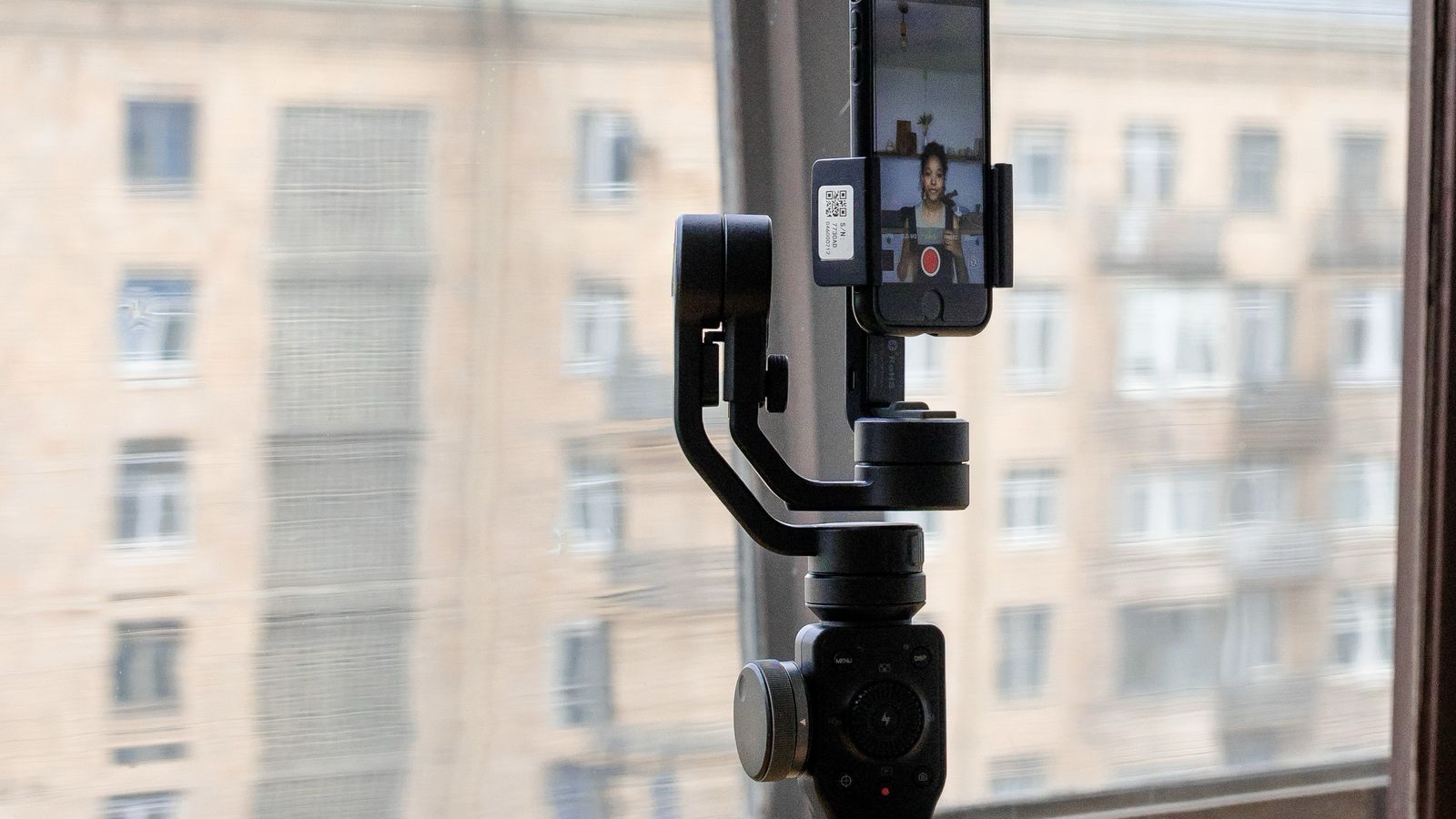
The crew is ready and the camera is set, but the wrong product model has arrived. The speaker refers to a different campaign, the destination is undecided and essential close-up shots are missing. Filming appears complete; the next day becomes a search for material that was never recorded. A filming brief reduces this uncertainty by making the right decisions visible before the session. Its value is revealed by how often the team still needs to ask who knows a crucial detail.
This guide follows a hypothetical service video explaining how customers request an appointment and prepare for the conversation. The session will also produce photographs and supporting footage. It is not an account of a real client's results. The aim is to connect message preparation, filming and delivery in a working document that people can actually use, rather than create a lengthy file that stops being relevant once the camera arrives.
Answer the fundamental questions on one page
Put the purpose at the beginning. “Video for social media” describes an output, not its job. In our example, the aim may be explaining what information helps before a first meeting. Define what viewers should understand and the next step available to them. This prevents the speaker from trying to describe every service and helps the crew identify necessary images. Production choices should support the message rather than determine it by default.
Describe the intended viewer through a need. A new customer and someone familiar with the appointment process require different context. That difference affects language and where the explanation begins. Asking the video to appeal to everyone can produce a broad, uncertain script. Selecting a priority situation does not prevent others from watching. It establishes an understandable entry point and makes it easier to judge whether the finished explanation serves its intended audience.
View the deliverables together: how many distinct messages, which uses, whether covers or stills are needed. Record function rather than filling a quota. If one long conversation is expected to become many independent videos, check whether each part has enough context. Shared filming can be efficient, but every separate item still requires suitable material. Editing cannot manufacture an absent demonstration simply because the production plan assumes the session will provide everything later.
Separate production checks from the content objective
Technically usable footage is a necessary production result. Helping viewers understand the right question is the communication objective. A brief can distinguish them. Showing the correct product is a delivery check; understanding preparation for a meeting is a message check. Making that distinction early prevents the final decision from relying only on whether the file looks attractive. Images should support the work being explained, not merely provide movement behind unrelated speech.
Connect the script with a shot list
A script describes what is said; a shot list identifies how the explanation is supported visually. Preparing them independently can leave gaps. If a speaker says that viewers can begin with their current website address, what object or screen illustrates that? If an appointment step is explained, will it appear through a recording, prepared card or speaker? Give important information an appropriate visual counterpart before filming, while leaving room for practical adjustments on location.
The list can include the scene, required object, participant and a short purpose note. A business contact without production expertise should understand it. “Close-up of the three preparation questions” is clearer than an unexplained request for detail footage. The list protects necessary information without eliminating improvisation. Its purpose is to ensure the material exists at the end, not to prevent the team from finding a better way to communicate the same agreed message.
Read spoken copy aloud. A sentence that works on paper may be awkward on camera. Separate points a speaker can explain naturally from details requiring precise wording. Confirm dates, prices, product names and scope in advance. Plan a workable order and breaks rather than assuming a participant will remain equally available and comfortable all day. Natural delivery often depends on preparation that reduces uncertainty, not on asking an unprepared person to improvise professionally.
Prepare files and products too. A screen recording may need a demonstration account, suitable records and a clean desktop. Product footage needs the right version and accessories. If something changes, identify which scenes are affected. Searching for files during the session or continuing with the wrong item can undermine later editing. The brief should identify the owner of each input and its readiness, rather than list materials as though mentioning them guarantees their availability.
Treat location and participant preparation as production work
A location needs more than an attractive background. Consider understandable speech, controllable light, sufficient space and ongoing business activity. Filming our appointment explanation near reception could introduce customer images or ringing phones. Choose timing accordingly. A plan that interrupts normal operations can create more work than expected from a short video. Understanding how the location is actually used helps the team prepare a session the business can support.
Record a brief sound and image test. Air conditioning, echo and external noise can be difficult to resolve once the session is underway. Changing daylight may affect consistency between sections. Expensive equipment is not always the answer; another position or time may help. What matters is checking the real conditions before assuming they are suitable. Preparation can remove simple obstacles early, preserving the session for explaining the intended subject well.
Participants should know their roles, likely time commitment and any relevant preparation. Putting someone in front of a camera without notice can make natural explanation harder. A specialist can review the facts and the speaker can practise the main questions. Appropriate permissions and internal approval should also be addressed for people appearing in the footage. Do not assume every issue can be solved in editing after the scene has already been recorded.
Background information is part of the image
A document on a desk, a wall plan or an open screen can enter the recording unnoticed. Inspect the location for information as well as decoration. Prepared examples may reduce the need for later obscuring of real records. Identify demonstration screens appropriately when they contain fictional data. Elements outside the main action still belong to the publication package, so the preparation check should not stop at what the speaker intends to discuss.
Agree who can make decisions during filming
Every reviewer may not need to attend, but someone must have authority over message accuracy, products and scope changes. Leaving a changed claim for the editor to resolve later can require another session. Establish a short decision route: who reviews which issue, what happens if they are unavailable and whether an alternative scene is possible. The plan should make these boundaries understandable rather than rely on hurried negotiation while the crew waits.
Check the required footage before people leave. Finishing the speech is not enough if close-ups, cover candidates or supporting shots are absent. A technical problem can be corrected while the location and participants remain available. This does not need a long meeting. Review whether every main message has usable supporting material. Finding the gap only after everyone has dispersed can turn a small omission into a larger scheduling and production task.
Record meaningful changes briefly. If the speaker used different approved wording, the final reviewer should know. If a feature was removed, editing should not restore it through a heading copied from an old script. Connect the recording notes to the current message. Not every movement needs documentation, but decisions affecting meaning or agreed deliverables should remain visible so copy and images do not quietly diverge into incompatible versions.
Assess additional requests through their effect on the plan. “Let us cover another service too” may need a different explanation, example and review. If it fits the session, make clear what it replaces or adds. Accepting every request invisibly can increase missing material at the end. Explicit decisions protect creativity by matching expectations to the real time and resources available, instead of assuming that the same session can absorb unlimited new purposes.
Establish a route from footage to publication
Decide where files are stored, who can access them and which notes accompany the first edit. If the preferred take is not identifiable, someone must search again later. Keep selection notes, current script and shot list connected. A controlled delivery area can make version management easier than distributing copies across several messaging channels. The goal is a usable handover, allowing the editor to understand what was agreed without reconstructing the entire session through memory.
Define the edit package too. Covers, captions, translations and separate usage versions may require additional work. Establish which ones are included. Collect feedback against one current version where possible. Comments on an old cut and a new cut can extend revisions unnecessarily. At approval, identify the files forming the complete package. A clear deliverable is more useful than a general statement that the video is finished while related assets remain undecided.
Before publication, review speech, captions, visible information and the destination together. Correct speech can acquire an inaccurate heading during editing. A cover may promise something different. Final review therefore concerns what the audience will actually see, not only what was verified during filming. Asking someone outside production to explain the main message can reveal missing context. Sometimes a small copy change is enough; sometimes the footage does not support the intended claim.
When defining social media management responsibilities with an agency, discuss preparation, production and publication review separately. A useful brief remains a shared reference throughout the work. Update it when the product, explanation or delivery scope changes. The crew can then concentrate on communicating a prepared message instead of collecting essential information under time pressure. Notes from the session can also improve the next brief, making the process more dependable without making it unnecessarily bureaucratic.
Frequently asked questions
Who should prepare the filming brief?
The business supplies accurate service and product knowledge, while the production team identifies storytelling and visual requirements. Developing the brief together can expose missing assumptions. Assign responsibility for updates. A creative document prepared without access to the people who know the offer may contain details nobody can verify during filming, causing revisions or changes after the required participants are no longer available.
Does every short video need a long script?
No. A concise plan can be sufficient when the purpose, message and necessary footage are clear. More conditions or technical information may justify additional preparation. Judge the brief by the decisions it resolves, not its length. Natural delivery can remain flexible while details requiring accuracy are checked. The aim is informed freedom rather than either rigid reading or complete improvisation.
Is filming several videos in one day efficient?
Shared location and crew can help when preparation is suitable. Each video still needs its own question, material and ending. Consider participant capacity and product readiness too. Splitting one long speech does not guarantee that each segment makes sense independently. Plan for editing workload and context so the apparent efficiency of one session does not create avoidable difficulties in post-production.
Does a screen recording need its own brief?
Identify the procedure, account, records and information that must remain private. Recording an entire desktop may produce unreadable phone footage. Plan the relevant area and sequence, and identify demonstration material appropriately. Like other filming, a screen recording needs message, visual and accuracy checks. Treating it as a casual capture can overlook important information merely because no physical camera crew is required.
What if a new idea appears after filming?
Check whether existing footage genuinely supports it. Do not create a different claim only by replacing the heading when the necessary evidence or context is missing. Additional recording, explanation or a separate item may be needed. Discuss the effect on editing and delivery, then update the scope. This prevents an attractive new idea from becoming an expectation the recorded material cannot satisfy responsibly.